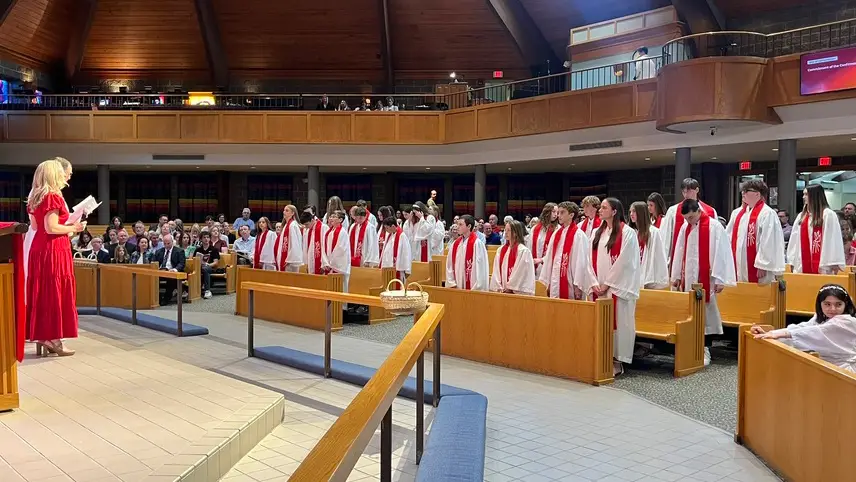
For the past few years, Cornerstone Lutheran Church has partnered with Outreach Indiana to host their Thanksgiving dinner at our Indy site. This is a wonderful event that allows our neighbors the opportunity to come together for a meal, music, and a coat drive. Outreach does an amazing job serving our eastside homeless community and this a great way for us to be a part of something that brings people into a caring, Christ-centered event.
There are many ways to get involved, and we’d love your help!
- Thursday, November 5: Prepare food at Outreach Indiana
- Friday, November 6: Help serve the meal at Cornerstone Indy.
You can sign up to help by CLICKING HERE!
If you would like more information on how to get involved with Outreach Indiana or any of our other community partners, please contact Amy Bultemeier (abultemeier@cornerstonelutheran.church).